Show the real product.
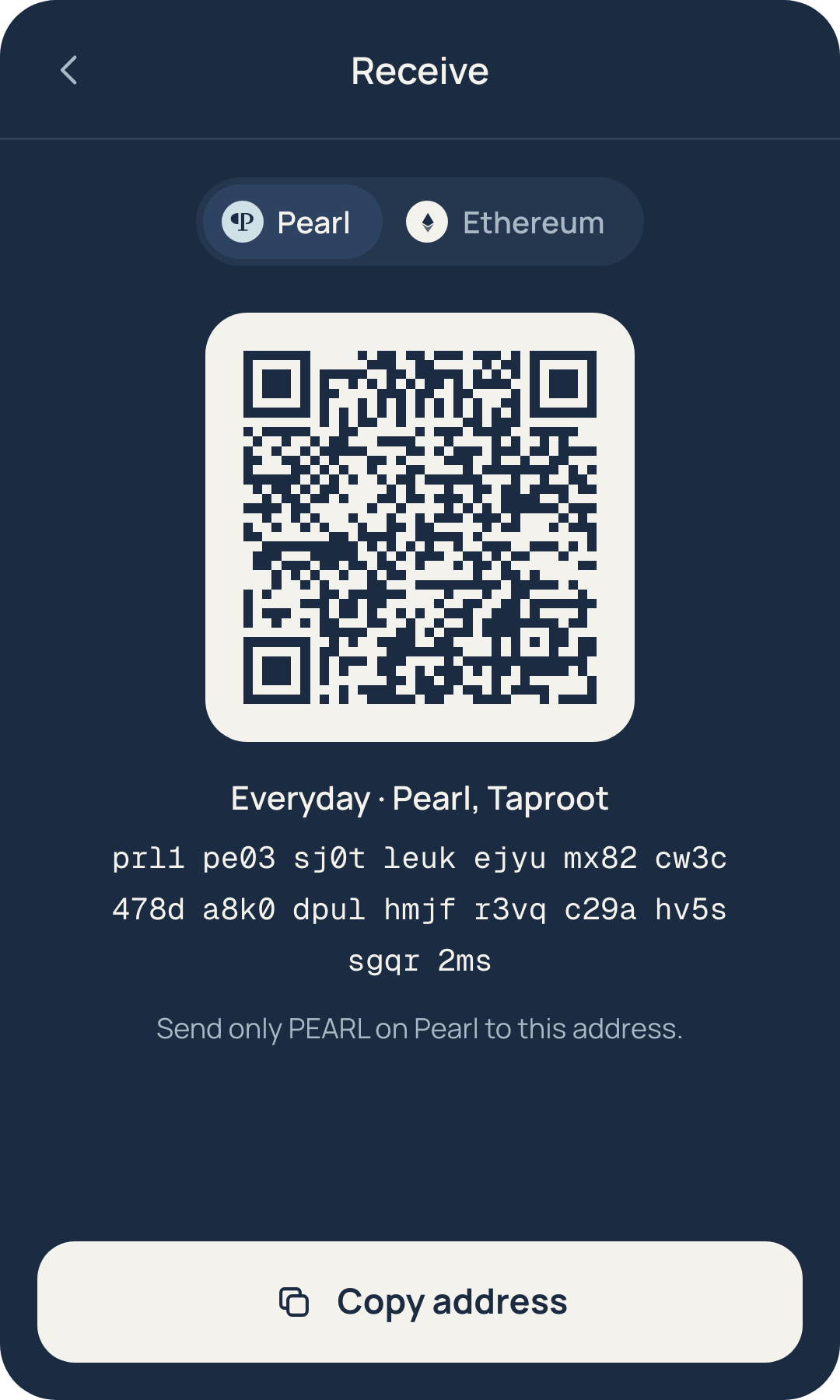
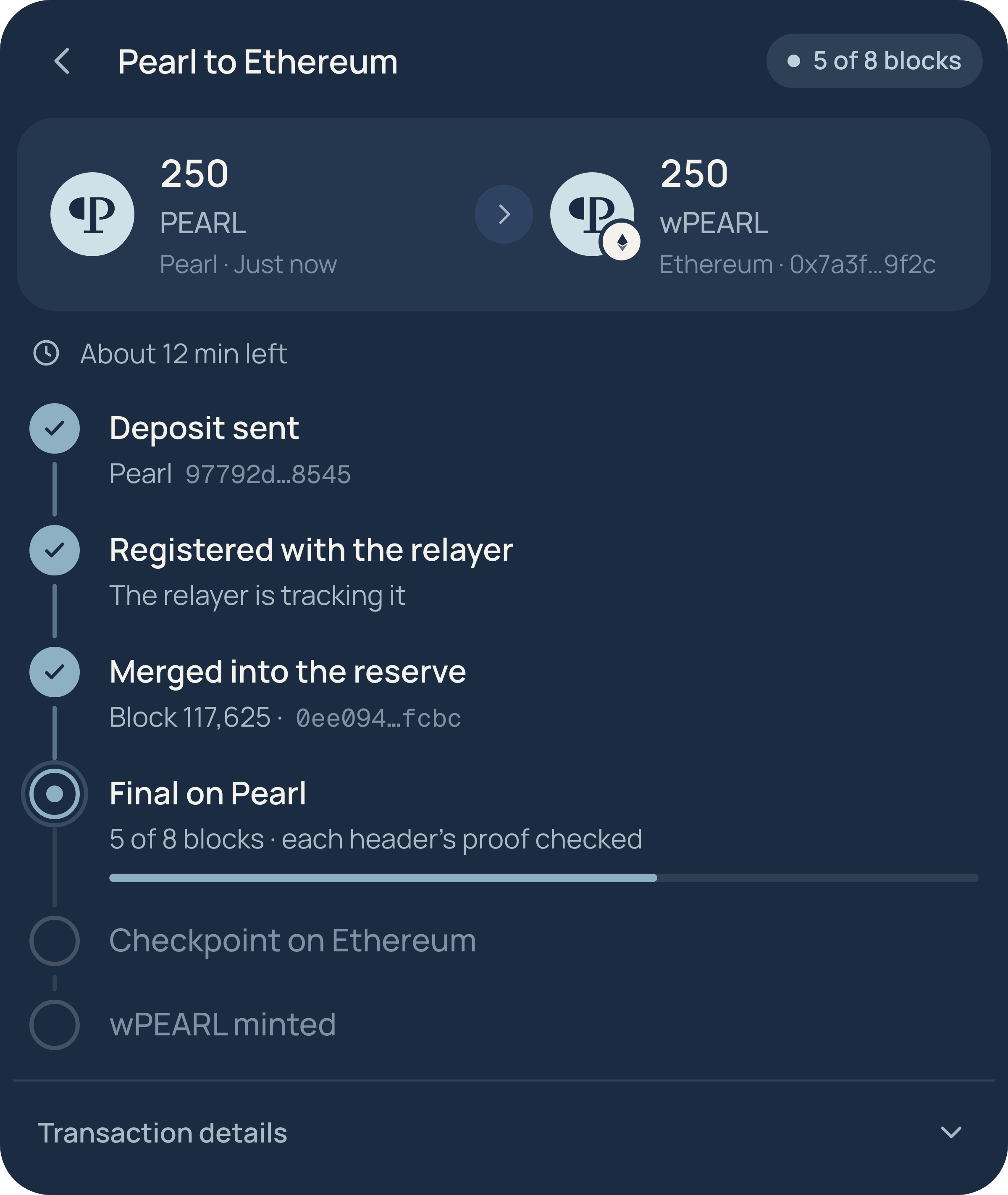
Use the wallet popup and bridge card from the live modules, with their example accounts and exact interface.
In development. Example accounts only.
Real modules, one status line.
Keep the UI intact. Add the short development note once, close to the product specimen.

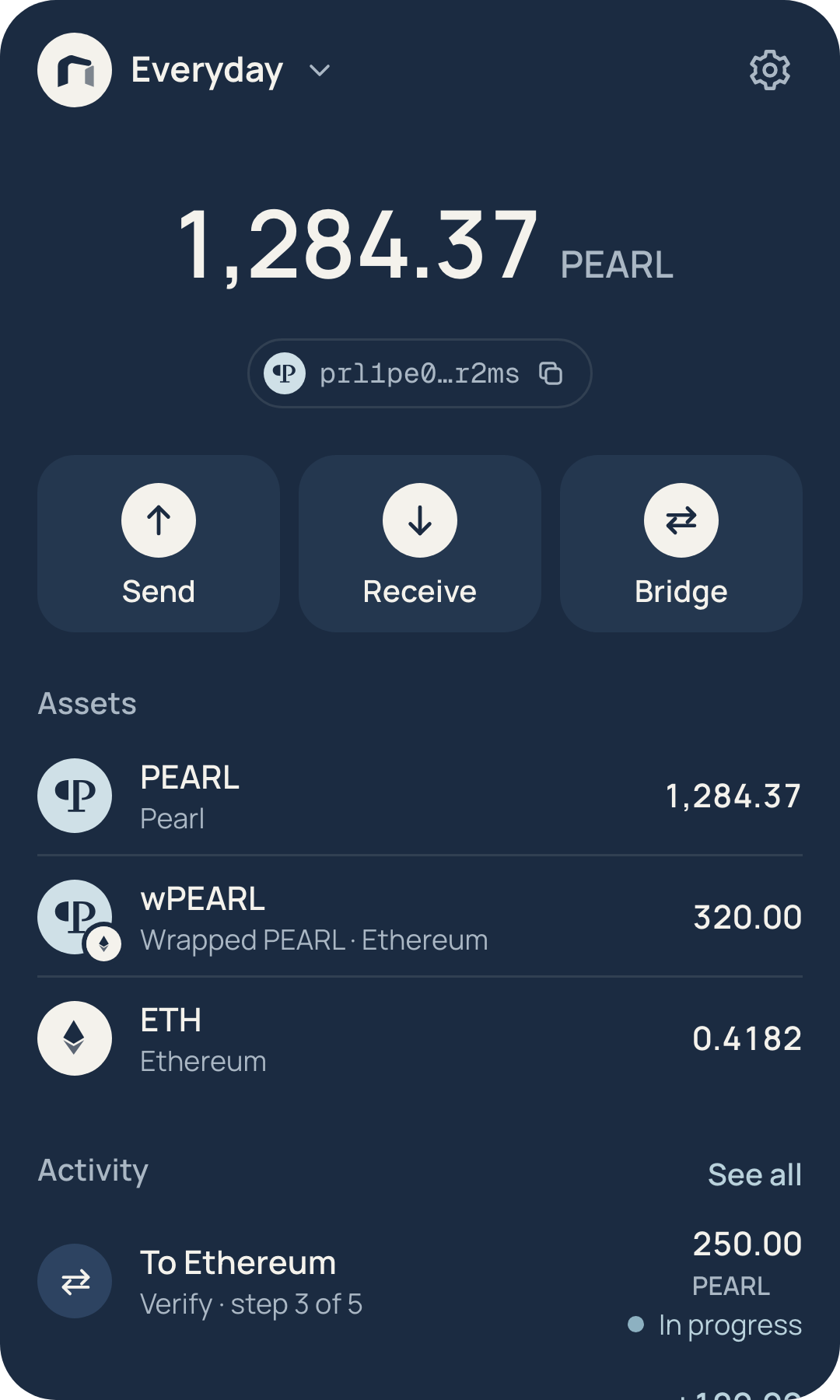

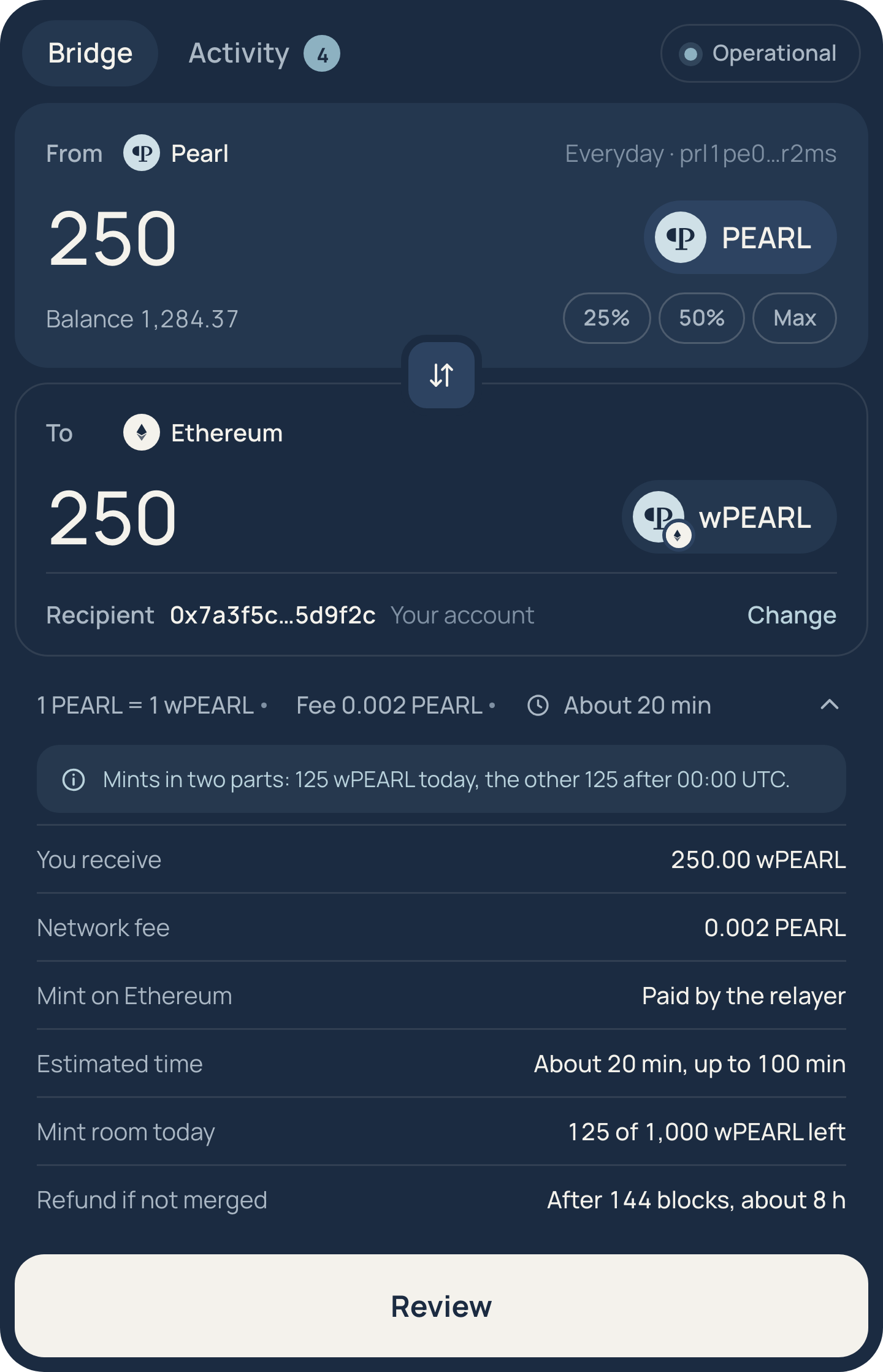
Capture, then place.
Use a clean render at 2× or 4× device scale. Preserve the product’s native aspect ratio.
| Decision | Rule | Specimen |
|---|---|---|
| Source | Render the current module; never redraw a product card. | Wallet 360 × 600 CSS px; supplied home capture 720 × 1200. |
| Crop | Keep the screen’s title, important action and context. | A review crop includes recipient, network, amount, fee and total. |
| Scale | Fit the full UI at a readable size. Avoid enlarging a small raster. | Use a 720 px capture for a 360 px slot. |
| Shadow | Use one restrained Ink shadow around the module. | 0 12px 24px rgba(27,43,65,.15). |
| Surface | Keep the real Ink UI in both modes. | Day and night change the art and surrounding canvas. |
| Data | Use the live modules’ example account fixtures. | Everyday and Long term are example accounts. |
| Status | One short development note near the module. | Use the exact note above. |
Review is part of the product.
When a post is about signing or checking details, show the actual review screen.
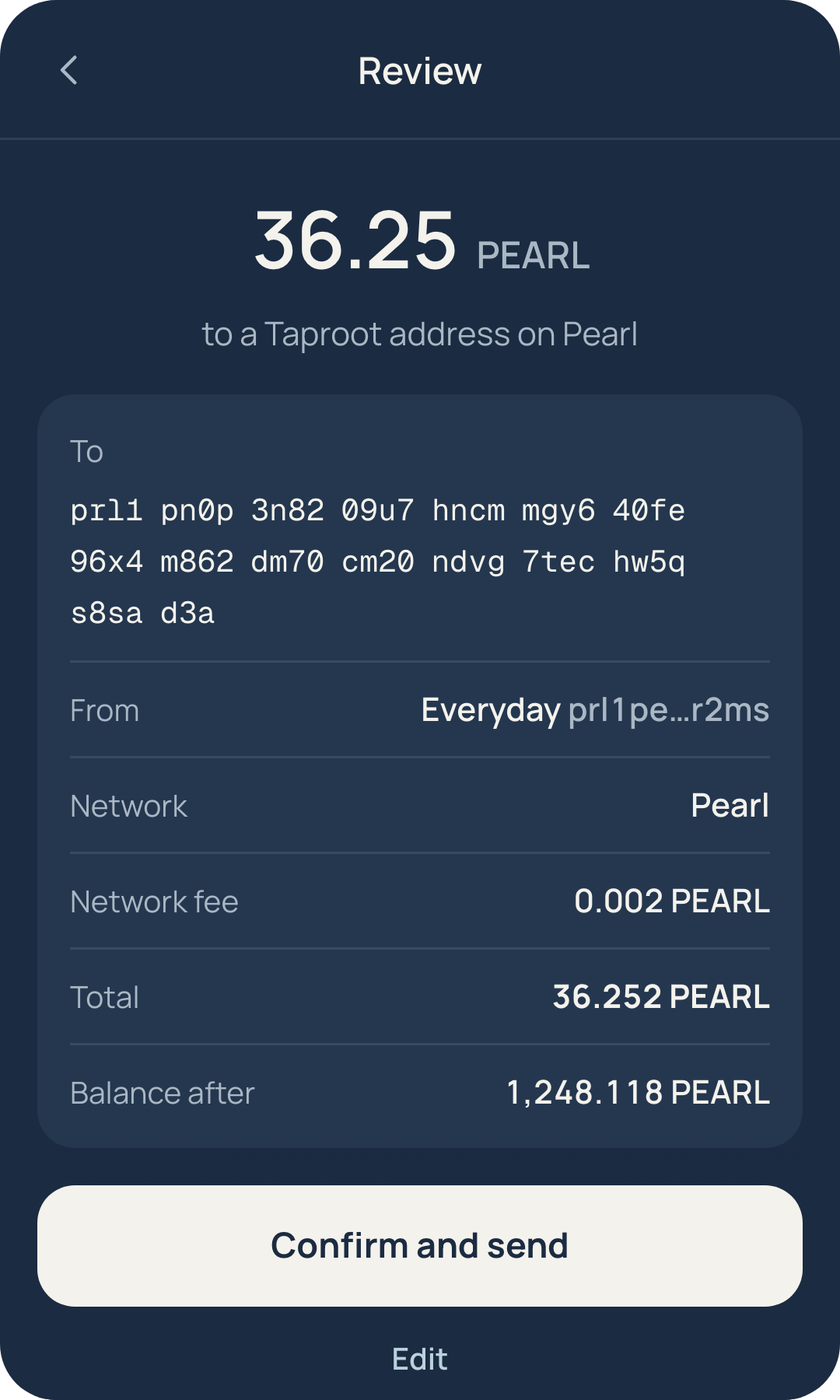
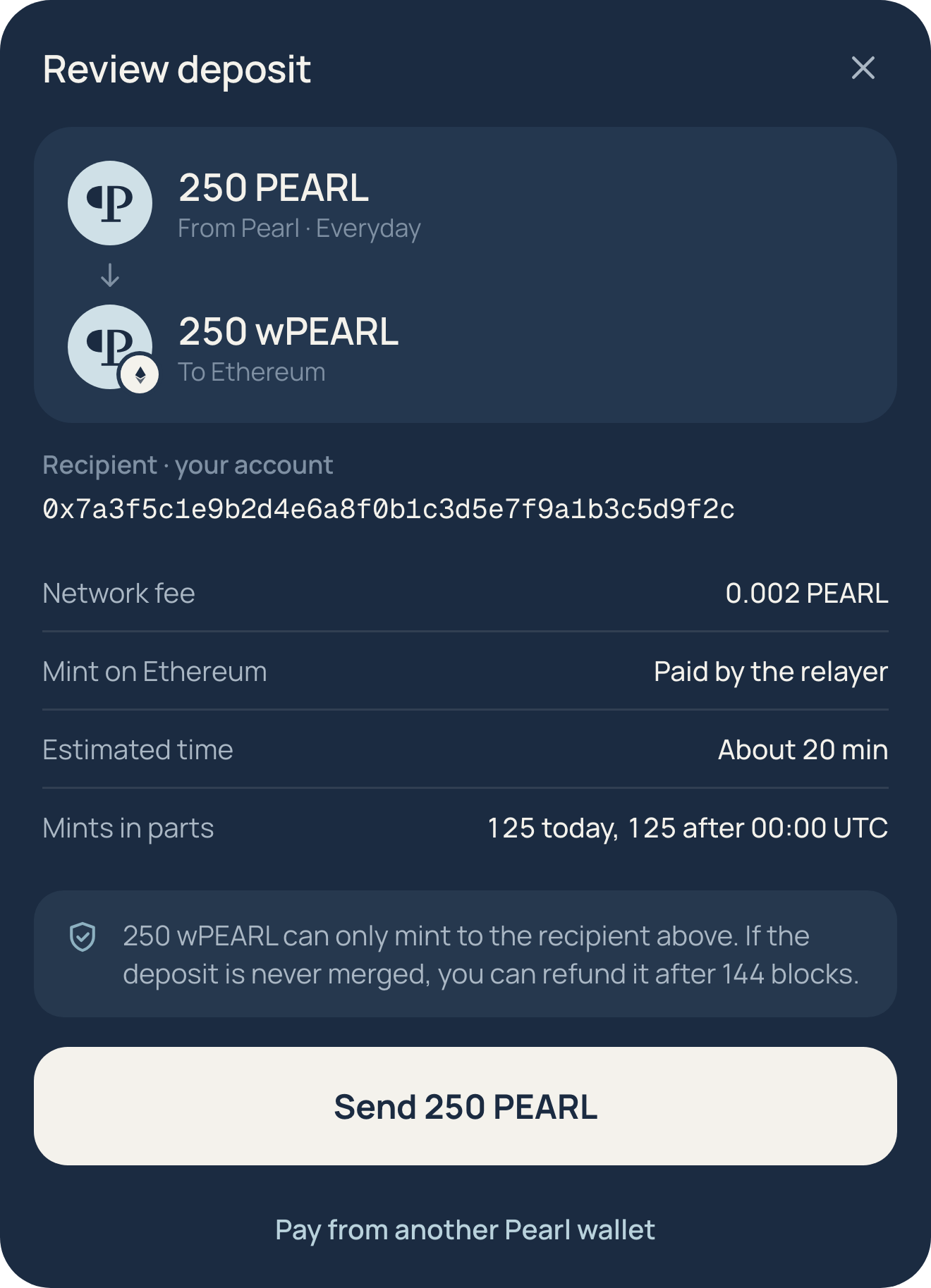
Day and night placement.
Leave the module on its own Ink surface. Keep the headline in quiet sky, clear of the product.

Useful crops.
Choose the screen that carries the claim. Do not crop away information that changes what an action means.
Leave these out.
A marketing specimen must not expose access material or invent product behaviour.
- Never show a recovery phrase or private key, even an invented one.
- Never capture a real account or a third party’s address.
- Never edit the balance into a large invented amount.
- Never add an action, chain or status that the product does not have.
- Never replace the token mark or restyle the product to match a post.
- Never use a perspective tilt, device shell, heavy glow or multiple stacked shadows.
- Never hide a fee, network or recipient when the message is about reviewing a transfer.
Source modules.
Keep the captures current when the apps change. The supplied files are 2× transparent renders.
Pavilion Wallet preview ↗ · Pavilion Bridge preview ↗
Wallet source: assets/wallet/wallet-app.js. Bridge source: assets/bridge/bridge-app.js. The capture manifest records the screen, native CSS size, device scale and example data status.